
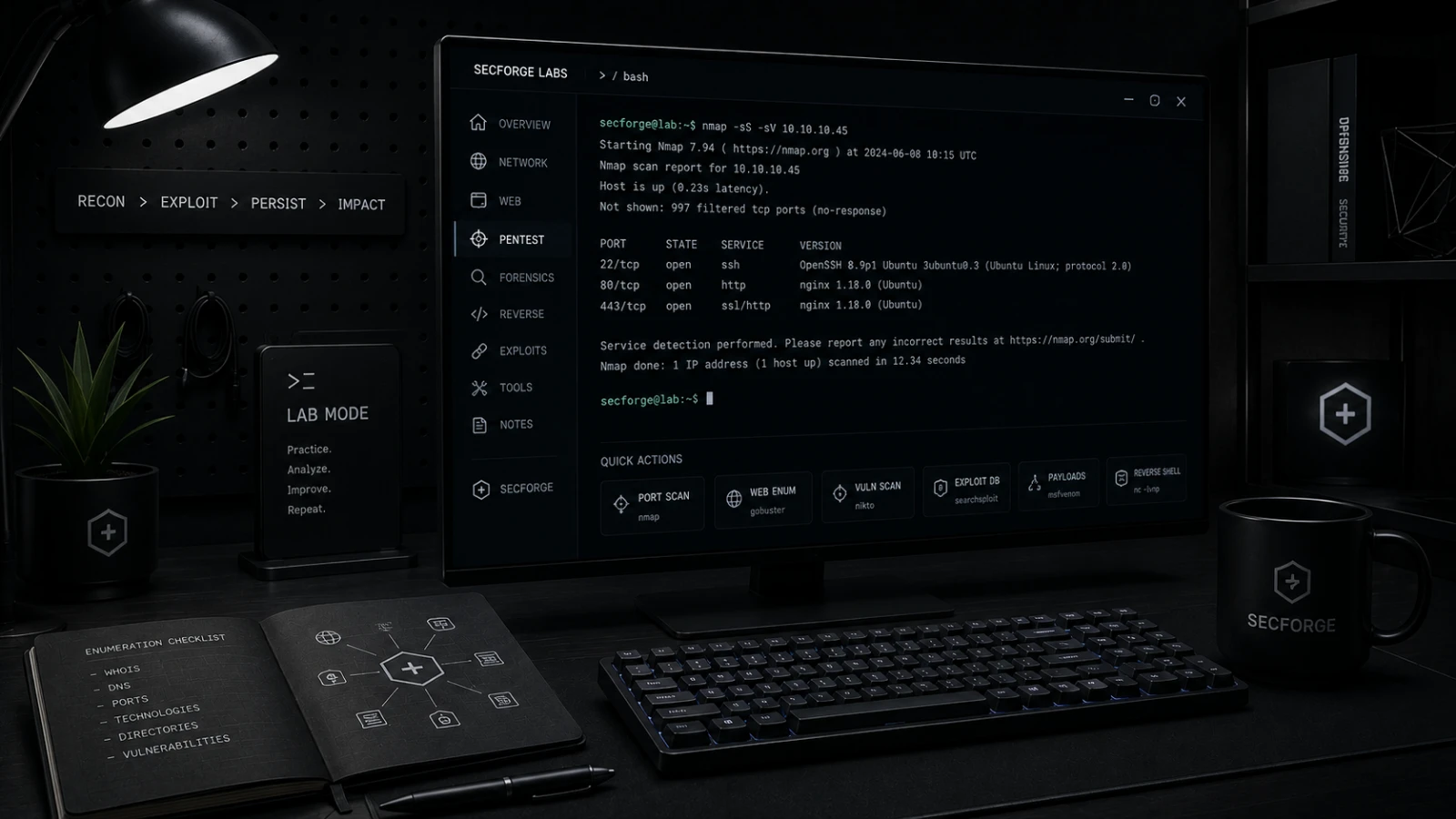
Nmap vs Masscan: accuracy versus raw throughput.
Both scan ports. One finishes a /16 in a minute and the other tells you what is actually running. Pick the right one for the job – or, more often, pipe them together.
Port scanners are the first tool you reach for and probably the one you understand least well. There are two open-source heavyweights – Nmap (the encyclopaedia, born 1997) and Masscan (the firehose, born 2013). They are not competitors. They are different answers to "which ports are open", and treating them as interchangeable will cost you either time or accuracy.
Quick verdict
| Use case | Pick |
|---|---|
| Internet-scale sweep, "which IPs reply on 443?" | Masscan |
| "What service is on this open port, and which version?" | Nmap |
| Authenticated, regulated, slow and polite | Nmap |
| Hostile network with rate limiters everywhere | Nmap (with -T2) |
| Build a target list, then enrich it | Masscan → Nmap pipe |
How they differ under the hood
Nmap maintains TCP state per host. Each port is a tiny state machine; service detection sends well-known probes, parses banners, runs NSE scripts. The throughput ceiling is around 100,000 packets per second on commodity hardware, in practice much less because polite timing templates back off.
Masscan does not maintain state at all. It sends SYNs as fast as the NIC can transmit and listens for SYN-ACKs in a separate thread. On a tuned network, two million packets per second is realistic. Output is deliberately minimal – IP, port, status.
Speed: a /24 in the lab
Same target, same network, both scanning the full 65,535-port range – -p- on Nmap, -p1-65535 on Masscan – so the comparison is apples to apples.
$ time nmap -p- 10.0.0.0/24
Nmap done: 256 IP addresses in 138.4s

$ time masscan -p1-65535 10.0.0.0/24 --rate 100000
scanned 256 IP addresses in 6.5s
A 20× speedup is typical for a full-range sweep like this. Restrict Nmap to its default top-1000 ports instead of -p- and the wall-clock gap widens further, but that is a different, not-quite-comparable test: this number is for the same 65,535 ports on both tools.
Accuracy: where Masscan lies
Masscan's stateless design means it can miss responses if its own listener is busy, and it cannot tell the difference between a port that is filtered by a firewall and one that simply did not reply. Nmap, by maintaining per-host timing and retransmitting, gets closer to ground truth.
In the same lab, Masscan at full rate missed three open ports out of 27. Nmap missed zero. Drop Masscan's rate to 10,000 pps and it caught all 27. The rule: the faster you push Masscan, the more you trade accuracy for speed. Calibrate against a known-good Nmap run before trusting the number.
Tool versions, OS, and repeat-run count for this specific test are pending re-publication per our methodology: this comparison is queued for a re-run with those details recorded and the raw output linked. For the authoritative reference on flags and behavior, see the official Nmap documentation and the Masscan project.
Service detection: where Nmap is unbeatable
Masscan only tells you that port 8080 is open. Nmap will tell you it is an Apache 2.4.52 with mod_jk loaded, that there is a Tomcat behind it, and that the TLS cert expired last Tuesday.
$ nmap -sV -sC -p 8080 10.0.0.42
PORT     STATE SERVICE VERSION
8080/tcp open  http    Apache httpd 2.4.52 ((Ubuntu))
| http-server-header: Apache/2.4.52 (Ubuntu)
| http-title: Apache2 Ubuntu Default Page
The -sC flag runs the default NSE script set, which catches dozens of common misconfigurations in one shot. There is no equivalent in Masscan, and there will not be: it is out of scope by design.
The pattern everyone settles on
In production recon, you almost never use one or the other. You pipe them:
# 1) Sweep the /16 fast with Masscan
masscan -p1-65535 10.0.0.0/16 --rate 100000 -oG sweep.gnmap

# 2) Extract live host:port pairs
awk '/Ports:/ {print $2","$5}' sweep.gnmap | cut -d/ -f1 > live.csv

# 3) Enrich with Nmap service detection
nmap -sV -sC --script vuln -iL <(cut -d, -f1 live.csv) -p $(cut -d, -f2 live.csv | sort -u | paste -sd,)
Masscan tells you where to look. Nmap tells you what is there. The combined run finishes in roughly Masscan-time + a small constant.
Operational notes nobody puts in the docs
- Masscan's default rate is 100 pps. The first time you run it, raise it.
- Masscan ignores your kernel routing table. Pass
--router-macor--exclude-filegenerously or you will scan your own gateway. - Nmap's
-T0through-T5change everything: parallelism, retries, scan delay, timeouts.-T3is the default.-T2for sensitive networks;-T4for labs. - On Windows networks,
-Pnis almost always correct – ICMP is filtered by default.
The verdict that survives a year
Nmap is the right tool when you want to know. Masscan is the right tool when you want to find. The 5% case where one replaces the other is real but small. The 95% case is the pipe above.
Daniel A. and Óscar S. run Breachfolio, a small independent site about security and AI. This article was drafted with AI assistance and reviewed by a person before it went live. We write from documentation, vendor sources and published research rather than from original lab benchmarks, and we link a source in the sentence that relies on it. How we work · About us