
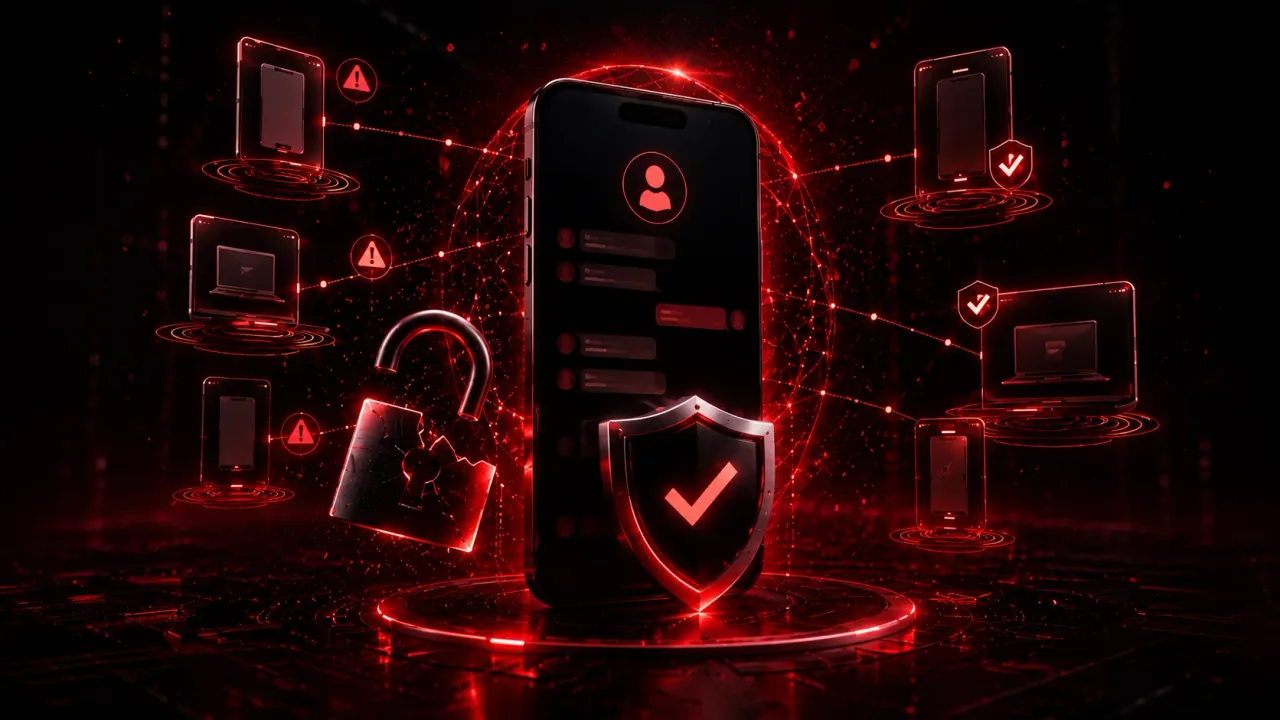
What to do if your messaging account was hacked.
Open the app on your own phone and register your number again, as if setting it up fresh: this ends the other person's session in most cases.
A hacked WhatsApp (or similar) account gets used to scam the people who trust you most. Here's how to take it back, and how to make sure it doesn't happen again.
A hacked messaging account doesn't just lock you out – it gets used to impersonate you. Someone with access to your WhatsApp can ask your contacts for money, send them malicious links, or quietly read private conversations before you even notice something's wrong. Treat this as urgent, especially if you've lost access entirely or you're seeing activity you don't recognize. This guide centers on WhatsApp, the world's most-used messaging app (including in the US), but the same principles apply to any messaging platform built around linked devices and phone-number verification – Telegram, Signal, and others work in broadly similar ways.
Signs your account may be compromised
A few warning signs tend to show up before or during a takeover, and any one of them is worth acting on immediately:
- You suddenly can't log in with your own number
- You get a notice that your number was registered on another device
- Contacts tell you they received messages you didn't send
- You see unfamiliar linked or active devices in your account settings
- Your profile photo, name, or "about" info changed without you doing it
- Verification codes arrive by SMS or call that you didn't request
- Anyone – even someone claiming to be a friend, support staff, or the app itself – asks you to share a code "to fix" something
Step 1 – Log back in with your own number
Open the app on your own phone and try registering your number again, as if setting it up fresh. You'll receive a verification code by SMS or automated call – never share this code with anyone, ever, for any reason, no matter who asks or how urgent they make it sound. If someone else registered your number on their device, re-verifying on your own device typically ends their session and restores your access. WhatsApp documents this exact process in its own account-recovery guide.
If two-step verification is turned on and you don't remember the PIN, use the app's official account-recovery flow from within its settings or support pages. The exact steps vary by app and version, so follow the current in-app or official-site instructions rather than any third-party guide or link someone sends you.
Step 2 – Check linked devices
Most messaging apps show a list of linked or active sessions, often labeled "Linked Devices" or "Active Sessions," in the settings menu. Go through it and log out of anything you don't recognize: an old phone you no longer use, a browser session you didn't open, or a device you've never seen. While you're there, avoid unofficial apps, browser extensions, or "WhatsApp Web clone" tools that promise extra features like message tracking or auto-replies – these are a common way accounts get hijacked in the first place, since they typically require handing over your session or QR code to a third party.
Step 3 – Warn your contacts, through a different channel
Don't rely on the compromised app itself to warn people: if it's still not fully back under your control, or if you're not sure exactly when the takeover started, assume anything sent from it can't be trusted yet. Call, text through a different app, or post on social media instead. Keep the message short and clear: "My [app] account was compromised. Please ignore any requests for money, codes, or links from me during this time."
This step matters more than it might seem. Attackers rely on the built-in trust of your existing contact list: a message "from you" gets far less scrutiny than one from a stranger. A single warning sent through another channel closes that window fast, often before anyone acts on a scam message.
Step 4 – Turn on two-step verification
Once you've regained access, go into the app's security settings and enable two-step verification (sometimes called two-factor authentication). Set a PIN you don't reuse anywhere else, and add a recovery email if the app offers one. This makes it significantly harder for someone to re-register your number on their own device in the future, even if they later manage to trick you into revealing an SMS code.
Step 5 – Check your phone number and email security
If you suspect SIM-swapping: someone convincing your mobile carrier to move your number onto their own device – or if your phone was physically lost or stolen, contact your carrier immediately to lock down or restore your number. It's also worth reviewing the security of your email account at the same time. Email is very often the fallback recovery path for messaging apps, social media, and everything else tied to your identity, so it needs to be at least as locked down as the account you're actually trying to recover: a strong, unique password and two-factor authentication enabled.
How these takeovers actually happen
Knowing the entry points makes every step above easier to understand, and easier to avoid repeating. Nearly all messaging-account takeovers come down to one of four doors:
- The forwarded verification code. A message arrives from a friend or relative's account: "sorry, I sent a 6-digit code to your number by mistake – can you forward it to me?" That code is the registration code for your number, and the friend's account is usually already compromised. This single trick is behind an enormous share of takeovers, because the request comes from someone you trust.
- The fake linked-device page. Websites and browser extensions posing as "WhatsApp Web" (or promising spy features, exports, or auto-replies) walk you through scanning a QR code, which links their device to your account.
- SIM swapping. The attacker convinces your carrier to move your number to their SIM, then receives your verification codes directly. You usually notice because your own phone suddenly loses signal.
- Modified apps. Unofficial "enhanced" clones of messaging apps routinely harvest the session they're given.
How it plays out: a realistic example
Dana gets a message from her cousin's account on a Tuesday evening: "so sorry, I typed your number instead of mine and a 6-digit code went to your phone – can you send it over?" The code had indeed just arrived, so it felt legitimate. It wasn't: her cousin's account had been hijacked the day before, and the code was the registration code for Dana's own number. Minutes after she forwarded it, her account was active on someone else's device, and the attacker immediately enabled two-step verification with their own PIN, which is a common move designed to slow the real owner's recovery down.
Dana re-registered her number the same night, but the attacker's PIN forced her into the app's slower recovery path. What actually limited the damage was step 3 of this guide: a plain SMS to her most-contacted people – "ignore anything from my account for a few days" – sent within the first hour. Two relatives had already received a "family emergency, can you send $300" message; neither paid, because the warning got there first.
Prevention that goes one level deeper
The single highest-value move is to set up two-step verification before anything ever happens: it turns the "forwarded code" trick from a full takeover into a failed attempt, because a code alone stops being enough. Add the recovery email while you're in that menu, and pick a PIN you don't use anywhere else.
Then adopt one absolute rule: no verification code ever gets shared or forwarded, to anyone, in any direction: not to support, not to a friend who "typed the wrong number", not to your own family. There is no legitimate scenario that requires it; the request itself is the attack. Beyond that, review your linked devices once in a while the same way you'd glance at bank movements, keep your email account (the recovery path for everything else) on a unique password with two-factor authentication, and install messaging apps only from official stores.
What not to do
- Don't pay anyone claiming they can "unlock" your account for a fee – official recovery is free and handled entirely inside the app or its official support channels
- Don't share a verification code with anyone under any circumstance, including someone claiming to be support staff, a friend, or the platform itself
- Don't install any app, browser extension, or click any link promising to "recover" or "restore" your account outside the platform's own official settings
Frequently asked questions
How do I recover a hacked WhatsApp account?
Should I share a WhatsApp verification code if someone asks for it?
How do I stop someone from re-hijacking my WhatsApp?
Daniel A. and Óscar S. run Breachfolio, a small independent site about security and AI. This article was drafted with AI assistance and reviewed by a person before it went live. We write from documentation, vendor sources and published research rather than from original lab benchmarks, and we link a source in the sentence that relies on it. How we work · About us