
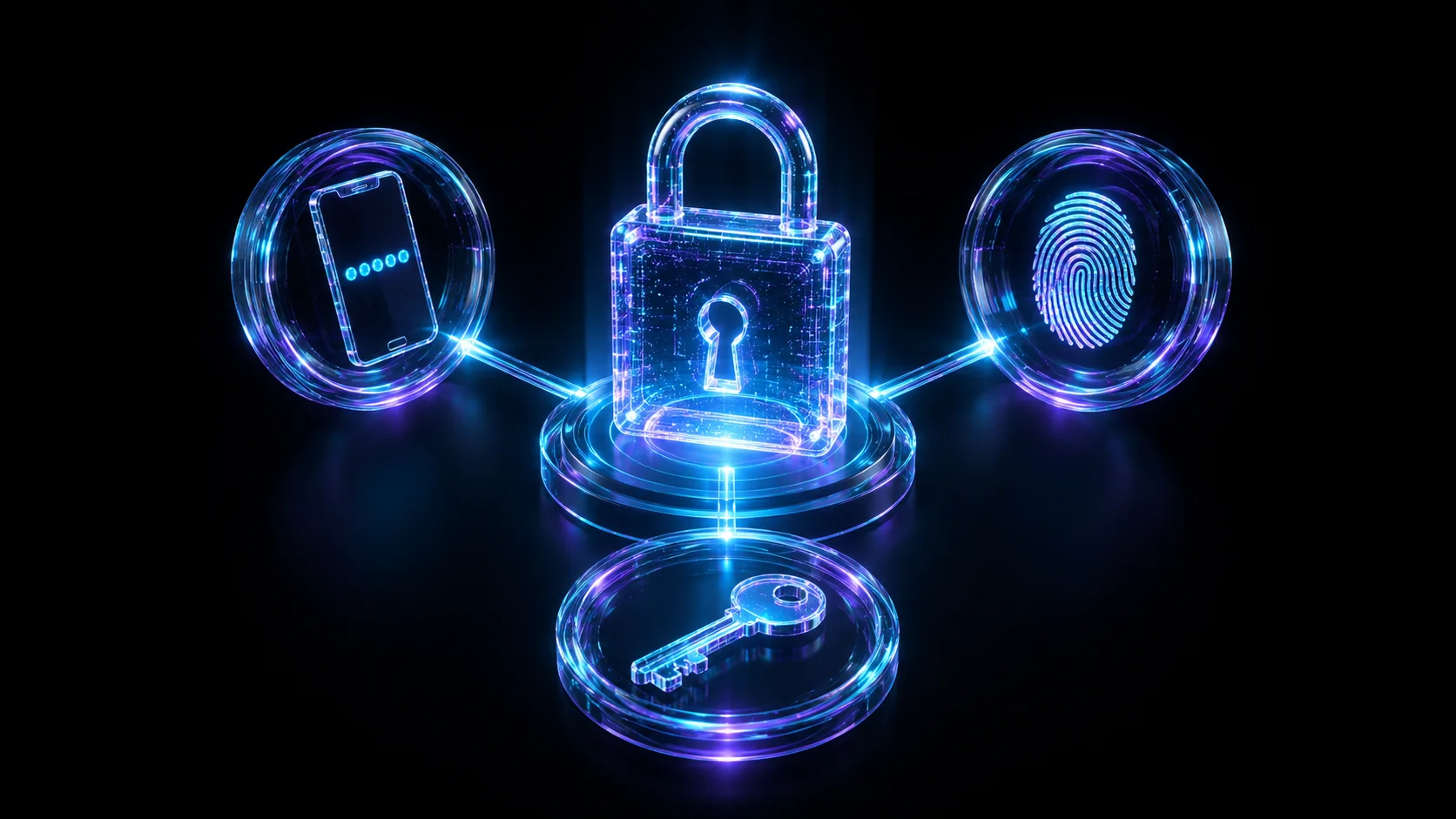
Multi-factor authentication, explained.
The three factor categories, why SMS is the weakest second factor, how FIDO2 hardware keys resist phishing by design, and how MFA-fatigue prompt-bombing attacks exploit human patience instead of cryptography.
A password is a single point of failure wearing a disguise. It can be phished, reused across a dozen breached sites, guessed from a predictable pattern, or typed straight into a pixel-perfect fake login page. Multi-factor authentication (MFA) exists to remove that single point of failure by requiring a second, independent proof of identity before granting access, so a stolen password alone is no longer enough to get in. But not all MFA is created equal. Some methods stop nearly every remote attacker cold; others can be talked around by a patient attacker and an annoyed user. This article walks through how each major MFA method actually works, why SMS codes are the weakest of the bunch, and how a specific, well-documented attack pattern known as MFA fatigue or prompt bombing targets the one part of the system that cryptography can't harden: human patience.
What "multi-factor" actually means
Authentication factors fall into three independent categories, and genuine multi-factor authentication combines proof from at least two different categories, not two proofs from the same one. Two passwords is not MFA. A password plus a security question is barely better, because both live in the same category and can both be phished, guessed, or leaked in the same data breach.
| Category | What it is | Common examples | Core weakness |
|---|---|---|---|
| Something you know | A secret only you should know | Password, PIN, security question | Can be phished, guessed, reused, or leaked in a breach |
| Something you have | A physical or digital item you possess | Phone with an authenticator app, hardware security key, smart card | Can be lost, stolen, cloned (SIM swap), or intercepted |
| Something you are | A measurable physical trait | Fingerprint, face scan, iris scan | Usually only a local unlock, not a remote proof of identity, and can't be reissued if compromised |
In practice, MFA almost always pairs a password (something you know) with a second factor from the "something you have" category. That second factor is where the real security difference between implementations lives: a text message and a hardware cryptographic key both satisfy "something you have" on paper, but they resist attackers to wildly different degrees, which is the whole subject of this article.
Time-based one-time passcodes (TOTP): the authenticator-app standard
Authenticator apps like Google Authenticator, Microsoft Authenticator, Authy, and 1Password all implement the same open standard: TOTP, defined in RFC 6238. At enrollment, the service and your app agree on a shared secret – usually delivered as a QR code that encodes a base32 string. From that point on, both sides can independently compute the same 6-digit code without ever talking to each other again: they take the shared secret, combine it with the current Unix time divided into fixed steps (almost always 30 seconds), and run it through an HMAC-based one-time-password algorithm (RFC 4226, the non-time-based ancestor TOTP builds on). Because both the app and the server are just doing math against a clock, no network round-trip is required: this is why an authenticator app keeps generating valid codes in airplane mode with zero signal.
You can watch the exact same computation happen on the command line, using the same demo secret that shows up in most TOTP tutorials and libraries:
$ oathtool --totp -b JBSWY3DPEHPK3PXP
123456
That single command performs precisely what an authenticator app does locally every 30 seconds: decode the base32 secret, derive a time counter, and produce a code. TOTP's strength is that the code is never transmitted by the service to reach you – there's no SMS message or push notification to intercept in transit. Its main exposure is at the two ends: a phishing page that asks for the code in real time and relays it to the real site within the 30-second window, or malware capable of extracting the enrollment secret from a device or an unencrypted backup.
SMS one-time codes: convenient, and the weakest link
SMS codes remain widely deployed because they need no app and work on any phone that can receive a text. That convenience comes at the cost of depending on the security of the phone network itself: an attack surface that has nothing to do with the account being protected and everything to do with infrastructure the account holder doesn't control.
- SIM swap. An attacker social-engineers, or in some documented cases bribes, a mobile carrier employee into porting the victim's phone number onto a SIM the attacker controls. From that moment, every SMS code meant for the victim – password resets included – arrives on the attacker's device instead.
- SS7 signaling weaknesses. SMS text messages are routed between carriers over SS7, a decades-old telecom signaling protocol with known design weaknesses. Security researchers have documented ways to intercept SMS traffic through SS7 without ever touching the victim's physical SIM, which means a SIM-swap defense alone doesn't fully close this gap.
- Real-time relay. Because an SMS code is just a string a user types into a login form, a phishing page can capture it the moment it arrives and relay it to the real service before it expires: the same weakness TOTP shares, without even the small protection of never transmitting the code over a public network.
NIST's digital identity guidelines (SP 800-63B) flagged SMS-delivered one-time codes as a weaker "out-of-band" authenticator and pushed organizations toward stronger alternatives where practical, though it stopped short of banning SMS outright. The practical takeaway is simple: treat SMS as the fallback of last resort, not the default, whenever a service offers anything stronger.
Push-notification MFA: fast, until it's abused
Push MFA – Duo Push, Okta Verify, Microsoft Authenticator's approve/deny prompts – sends a notification to a device already enrolled and paired with your account. You tap "Approve" (often after checking a location or app name shown for context) and you're in, no code to type at all. It's faster than TOTP and, because the enrolled device has to physically have the app installed and paired, it does require possession, not just knowledge of a code.
That same convenience – a single tap grants access – is exactly the surface a determined attacker learned to abuse, which brings us to the attack this article exists to explain properly.
MFA fatigue and prompt-bombing attacks
An MFA-fatigue attack (also called prompt bombing) is a well-documented, real-world technique that doesn't try to break any cryptography at all – it targets human patience. The setup requires the attacker to already hold a valid username and password, obtained through phishing, a password reused from an unrelated breach, or credentials stolen by infostealer malware. Armed with those working credentials, the attacker repeatedly attempts to log in, and each attempt fires a fresh push-approval request to the legitimate user's phone – sometimes dozens in a row, sometimes timed for late at night when a half-asleep user is more likely to tap without thinking.
The attacker's bet is simple: eventually the target approves one of the prompts, whether out of confusion about what's happening, habit from tapping "Approve" all day, or sheer annoyance at the notifications not stopping. Some variations pair the barrage with a phone call or message from someone posing as IT support or helpdesk staff, instructing the target to "just approve it" to resolve a supposed system issue – folding social engineering directly into the technical attack.
This pattern is well known enough in the security community that vendors now build specific defenses against it directly into push MFA:
- Number matching. Instead of a plain Approve/Deny button, the login screen displays a short number that the user must type into the authenticator app. A user who wasn't actually logging in has nothing to type and no reason to open the app at all, which closes off the "just tap it to make it stop" failure mode almost entirely.
- Rate limiting and anomaly detection. Capping how many push requests a single account can trigger in a short window, and flagging bursts of denied or ignored prompts as a signal worth investigating, turns the attack pattern itself into a detection opportunity.
- Context-rich prompts. Showing the requesting device, approximate location, and application name gives an attentive user real information to notice something is wrong – though this only helps if the user is paying attention, which is precisely what fatigue attacks are designed to exploit.
- Moving to phishing-resistant factors. For the highest-value accounts, the more durable fix is switching away from accept/deny push entirely, toward a factor that can't be approved by mistake at all – covered next.
Hardware security keys and FIDO2/WebAuthn: the phishing-resistant option
A hardware security key – a YubiKey is the best-known example – plugs in over USB, NFC, or Bluetooth and implements the FIDO2/WebAuthn standard. At registration, the key generates a unique public/private key pair scoped to the specific website you're enrolling with; the private key never leaves the device, and the server only ever stores the public half.
At login, the browser hands the key a cryptographic challenge from the server. The key signs it and returns the signature, but critically, the entire exchange is bound to the actual website origin (the domain) the browser is talking to, enforced at the protocol level, not something a user can be socially engineered into overriding. If you're on a convincing phishing clone hosted on a different domain, the key's check fails automatically: it isn't that a careful user might notice the fake URL, it's that the cryptography itself refuses to produce a valid response for the wrong origin. That origin-binding is exactly what SMS codes, TOTP codes, and push approvals lack: a user can be tricked into handing any of those over on a fake site, or approving a fraudulent request, because nothing in those flows checks where the approval is actually going.
Passkeys extend the same idea: they're WebAuthn credentials that sync across your devices through a platform's password manager (iCloud Keychain, Google Password Manager) instead of living on one piece of hardware, while inheriting the identical origin-binding property that makes them phishing-resistant. The tradeoff for hardware keys specifically is cost and the need to carry a physical device – losing your only key without a registered backup can lock you out of an account entirely, which is why registering at least two keys is standard advice.
Comparing the methods
| Method | Phishing-resistant? | Works offline? | Primary weakness |
|---|---|---|---|
| SMS one-time code | No | No – requires carrier signal | SIM swap, SS7 interception, carrier-side social engineering |
| TOTP authenticator app | No | Yes | Real-time phishing relay of the code; malware exfiltrating the seed |
| Push notification (no number matching) | No | No – requires a data connection | MFA fatigue / prompt-bombing attacks |
| Hardware security key (FIDO2/WebAuthn) | Yes | Yes – local challenge-response | Cost, and device loss without a registered backup key |
The "No" for TOTP and push isn't a knock on the math behind them – it's that neither method cryptographically checks where the approval is going. A real-time phishing proxy sitting between a victim and the real login page can capture a TOTP code the instant it's typed and relay it to the genuine site before the 30-second window closes, or simply trigger the real push request itself and wait for the fatigued or confused user to approve it. Only WebAuthn's origin-binding closes that gap structurally, rather than relying on the user to catch the deception.
Choosing and layering MFA in practice
Not every account needs the same level of protection, but a few principles hold consistently:
- Protect the accounts that cascade first. Your primary email and password manager sit upstream of nearly everything else – anyone who controls them can reset passwords everywhere else. Put a hardware key or passkey on these before anything else.
- TOTP is a strong, free default. For the majority of everyday accounts, a TOTP authenticator app is a large security improvement over SMS at zero cost, and is what most services support out of the box.
- Keep SMS as a fallback, not a primary. Where a service offers TOTP, push with number matching, or a hardware key, use one of those instead and reserve SMS for accounts that genuinely offer nothing stronger.
- Register backups before you need them. A second hardware key, printed recovery codes stored offline, or a backup authenticator entry all prevent a lost phone or key from turning into a full lockout.
- For organizations, enable number matching everywhere push MFA is deployed, and treat a burst of denied or ignored push prompts on one account as a detection signal worth an immediate look, not background noise.
The takeaway
MFA does not mean "add a text message and call it secure." The category and design of the second factor determines how resistant it actually is to remote and social-engineering attacks: SMS is intercepted through weaknesses in the phone network itself, TOTP codes and simple push approvals can still be phished or relayed in real time, and only hardware security keys and passkeys built on FIDO2/WebAuthn cryptographically refuse to authenticate anywhere other than the genuine site. Add MFA everywhere you can, but where the stakes are highest, prefer the factor an attacker can't simply trick, pressure, or wait for you to hand over.
Frequently asked questions
What are the three factors of authentication?
Why is SMS-based MFA considered the weakest option?
What is an MFA fatigue (prompt-bombing) attack, and how does it work?
Are hardware security keys really resistant to phishing?
Is push-notification MFA safe to use?
Daniel A. and Óscar S. run Breachfolio, a small independent site about security and AI. This article was drafted with AI assistance and reviewed by a person before it went live. We write from documentation, vendor sources and published research rather than from original lab benchmarks, and we link a source in the sentence that relies on it. How we work · About us